Theme:

13 Smart Uses for Temporary Segments in Umbraco Engage on V13+

Martha and I, as marketers without technical backgrounds, attended our first Hackathon through the Umbraco Leeds Meet-up. The experience pushed us to apply our unique knowledge of Umbraco in creative ways, and inspired these practical tactics to help other Umbraco fans like us power up their personalisation and create campaigns that really resonate with Engage.

Hang on a minute, what’s Umbraco Engage?

Formerly uMarketingSuite, Umbraco Engage is the platform’s answer to other competitive offerings from Kentico and Sitecore. It makes exciting, valuable and critical marketing capabilities native to the Umbraco platform and empowers marketers, content creators and digital teams to make every interaction count.

From A/B testing to content personalisation, segmentation, profiling, campaign scoring and first-party analytics: Umbraco Engage is so much more than just a tool, it’s the power to learn, adapt and convert.
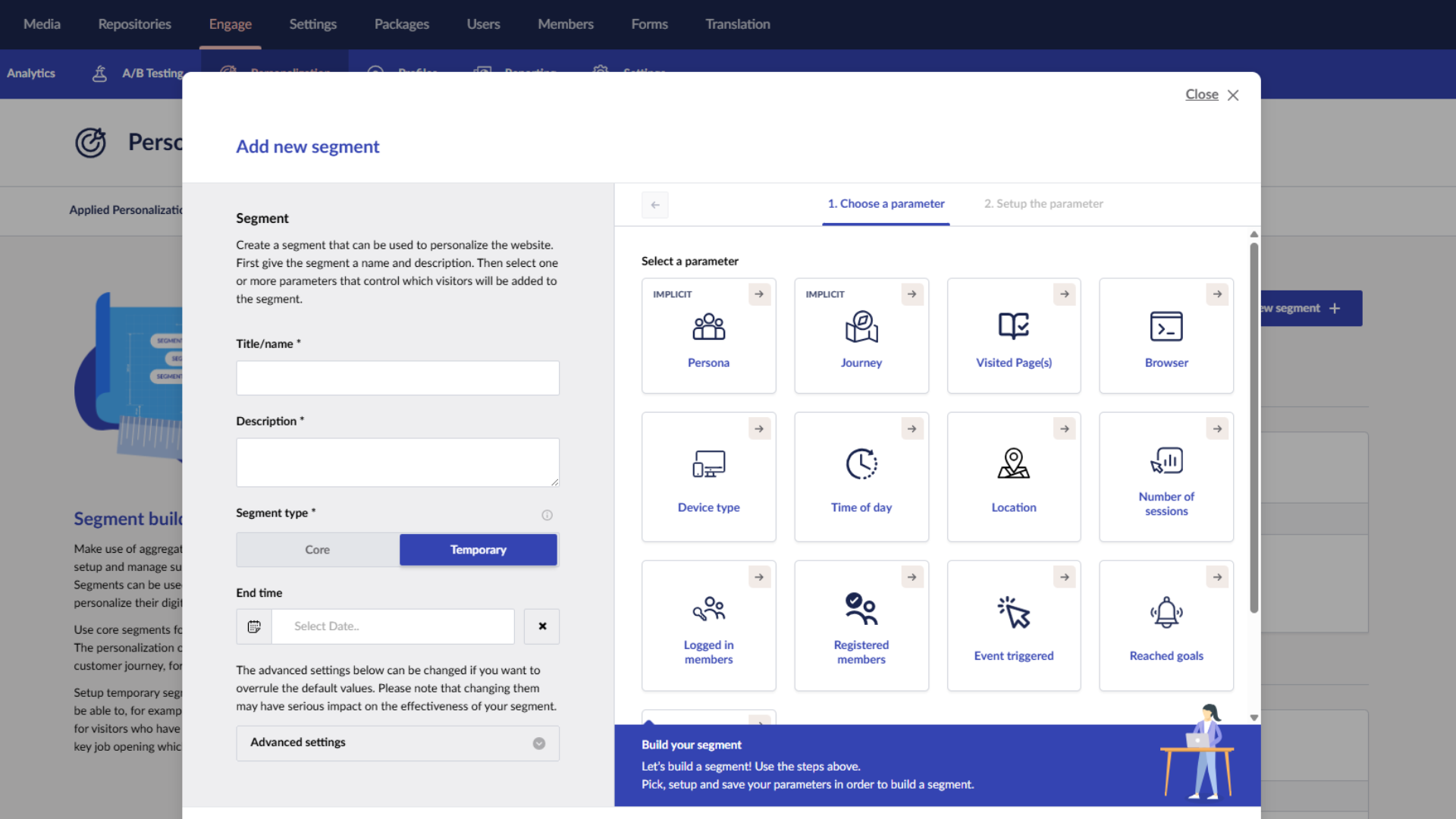
What is a temporary segment and why should you care?

If a segment is a group of visitors, then a temporary segment is simply a group with an end date. The key difference? Temporary segments override existing segments in Umbraco Engage.


Why does that matter? Two reasons:

  1. You can supersede your existing Engage setup without undoing all your hard work, just create a new segment with an end date.
  2. They enable both reactive and proactive marketing that aligns with real-world events, campaigns, or even the weather.

Not convinced? No sweat.

Here are 13 actionable use cases for temporary segments to power up your personalisation, exceed expectations and create campaigns that really resonate.

Make every interaction count.

1. Black Friday Campaigns

Problem: You’re getting lots of traffic from your Black Friday campaigns but you’re not seeing this transform into sales.

Solution: Create a temporary segment in Umbraco Engage to personalise your website landing page for users who arrive from a URL with the UTM_campaign parameter “Black-Friday” for the duration of your sale. Use component-level personalisation to swap hero banners, CTAs, or content variants to reflect the campaign messaging.

Result: By echoing your off-site campaign messaging on site, you reinforce familiarity, deliver relevance and meet user expectations, leading to high engagement rates and ultimately more sales.

Note

The Engage power up: easily to align off-site campaigns with your on-site experience.

2. Urgent Umbraco Upgrades

(and if you’re still running Umbraco 15, seriously it’s urgent…)

Problem: You’re a digital agency and time is running out for your clients on an end-of-life version of Umbraco. You need them to sign off a platform upgrade, fast.

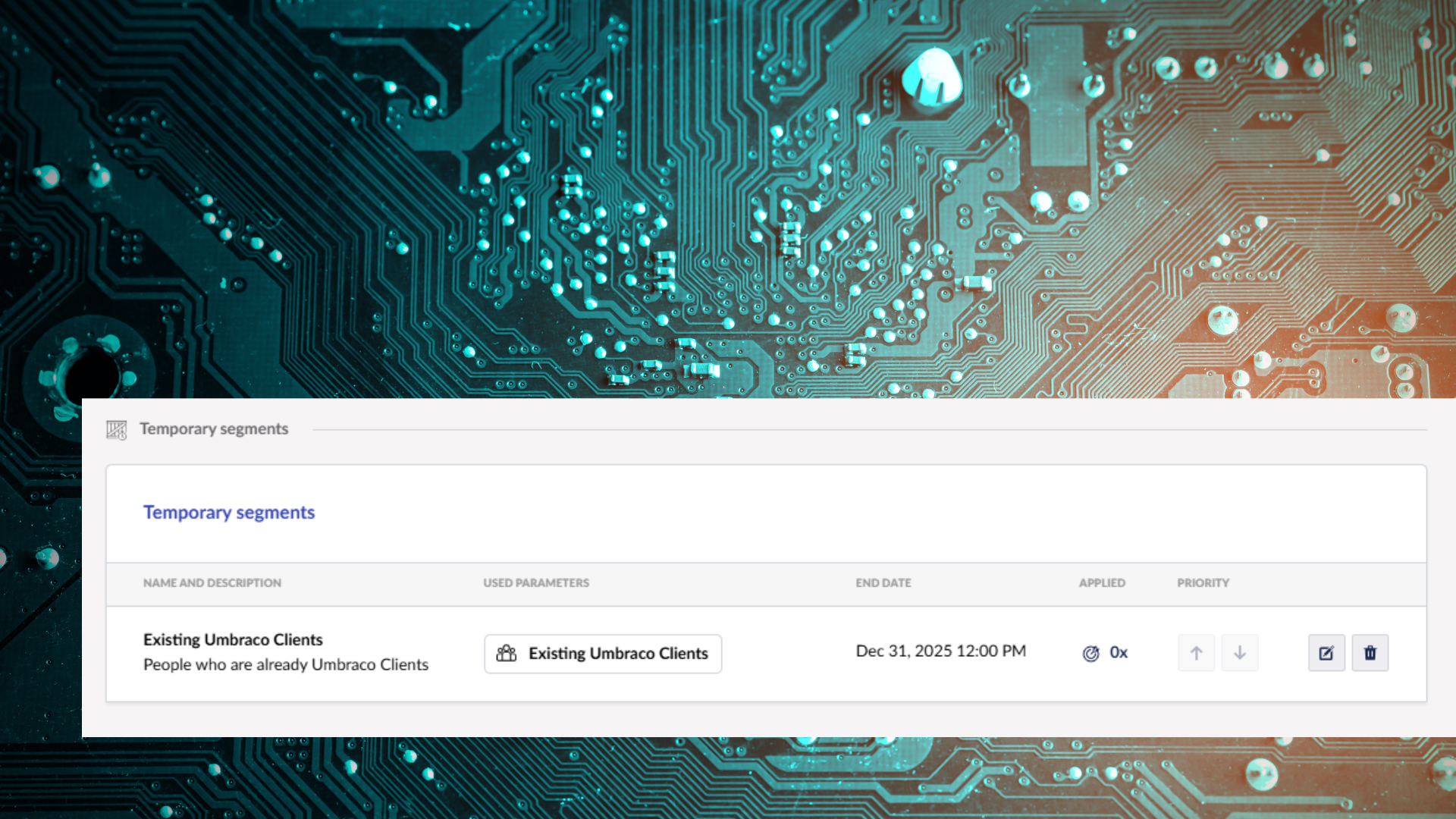
Solution: Create a temporary segment that allows you to personalise your homepage for users who visit your site from URLs with the UTM_campaign parameter “Umbraco-Upgrade”, or for users belonging to a relevant, implicit persona such as Existing Umbraco Clients. Use this personalisation to feature a countdown clock highlighting the deadline for upgrading to the next LTS, and pair it with a strong call to action like “book your upgrade today”

Result: This personalisation builds relevance and creates urgency, motivating visitors to act quicky and convert.

Note

The Engage power up: ensures campaign relevancy by pairing behaviour-based segmentation with time-based activation.

3. Recent Price Reductions

Problem: You’re a house builder whose just slashed prices on your final plots to get the market moving, but key potential customers might’ve missed the message.

Solution: Create a temporary segment for any returning users to your website in the first 30 days after the price change happened. Personalise your website to prioritise those reduced plots in carousels on your homepage and relevant development pages. You could even show a dedicated banner highlighting the sale.

Result: You can incentivise warm prospects with clear messaging around reduced prices to encourage conversions and drive sales.

Note

The Engage power up: ensures key sales messages aren’t missed, with timely and relevant messaging that supports real revenue.

4. Competitions With Low Entries

Problem: You’ve launched a competition on social media, but entries are low and your post keeps getting buried in people’s feeds. Your website, however, is getting consistent traffic. You’re just not surfacing the competition to the right people at the right time.

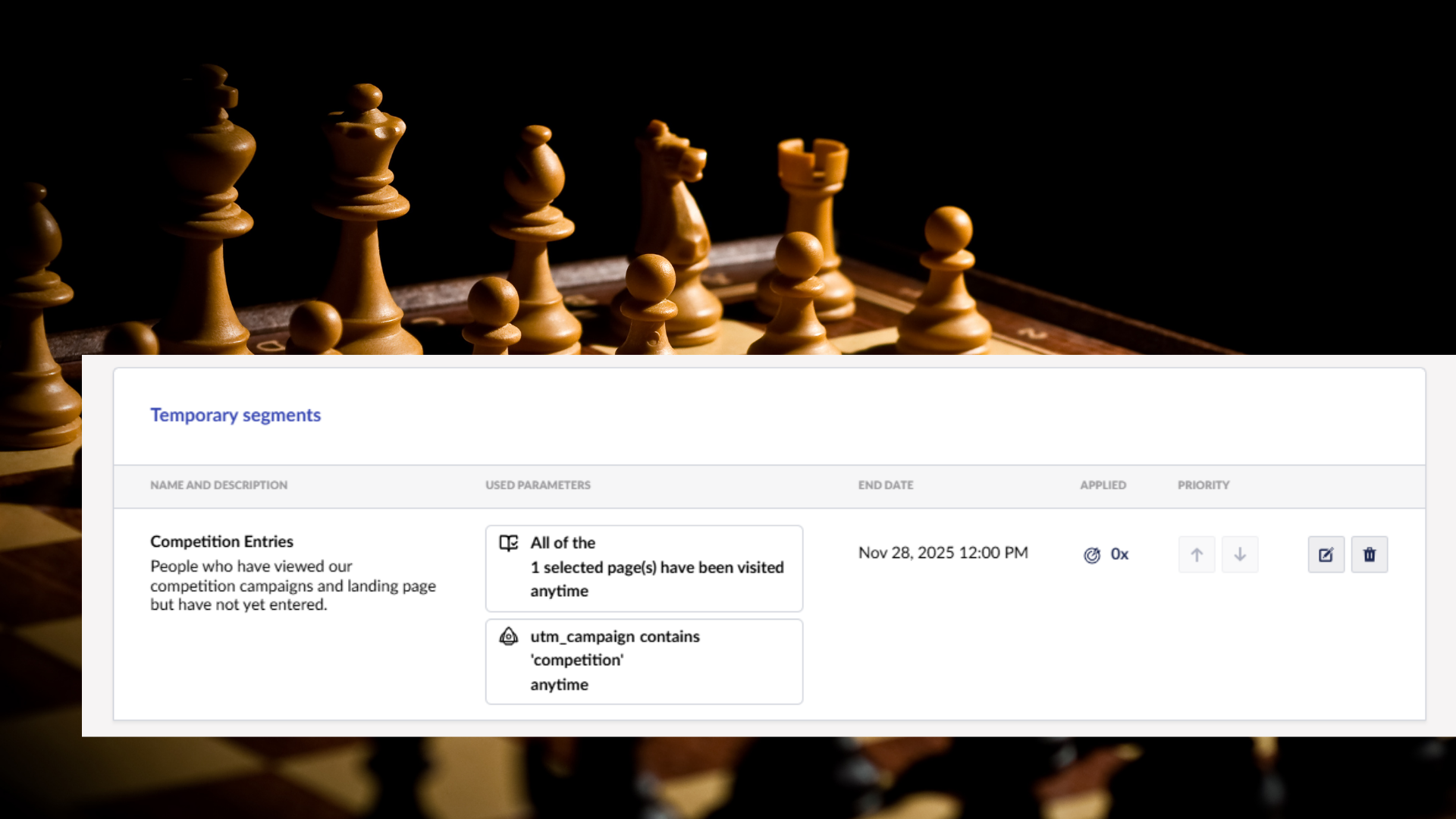
Solution: Use Umbraco Engage to create a temporary segment for users who arrived at your website with the UTM_campaign parameter “competition”, as well as including users who previously viewed your competition landing page but did not enter. Personalise the website for these users by showing an on-exit pop-up reminding them to enter the competition before they leave the site, highlight the competition prize to incentivize them and showcase the approaching entry deadline in banners and inline CTAs to motivate them.

Result: By reinforcing your social campaign with on-site personalisation, you rescue lost visibility, boost engagement from warm visitors and drive a noticeable lift in competition entries before time runs out.

Note

The Engage power up: amplify your time-sensitive campaign and cut through the noise of busy social media feeds by leveraging your on-site experience.

5. Weather-Dependent Offers

Problem: You’re running a hotel with a golf course. When the weather turns wet, golf bookings dip but you still need to hit your revenue targets.

Solution: Set up a temporary segment in Umbraco Engage triggered when rainy conditions are forecast for your location (enabled via an external weather feed integrated into a segmentation rule or webhook-triggered flag). Personalise the site for these visitors by swapping golf-first content for spa packages, restaurant offers, or short-stay deals instead.

Result: Instead of losing business to the weather, you dynamically promote relevant, revenue-positive alternatives to visitors who might otherwise have left without booking.

Note

The Engage power up: react to real -world conditions with personalised, time bound experiences.

6. Lockdowns & Operational Updates

Problem: There’s another pandemic and it’s a repeat of the 2020/21 lockdown conditions. People need up-to-date, location-specific operational information and they need it immediately.

Solution: Using Engage’s segmentation rules, you can create a temporary segment targeting all domestic visitors to your site during the lockdown period. Personalise modules such as announcement banners, opening hours, service availability, and links to online alternatives. Because temporary segments in Engage have built-in end dates, everything reverts automatically when restrictions lift.

Result: Your customers get clarity without confusion, trust stays high, and you minimise support requests because the site updates dynamically for the right audiences at the right time.

Note

The Engage power up: leverage agility and adapt your digital presence as situations evolve.

7. Crisis Communications

Problem: An earthquake disrupts operations in Japan. Customers in the region need reassurance, operational updates, and support options tailored to their situation.

Solution: Create a temporary segment in Umbraco Engage targeting Japanese visitors. Personalise messaging, contact information, delays, or support resources directly on their next visit. Because Engage prioritises more specific temporary segments over general ones, you can surface critical information without reworking your global setup.

Result: You demonstrate empathy, improve clarity, and reduce uncertainty for affected users without altering your website for everyone else.

Note

The Engage power up: respond sensitively and locally during crises.

8. Event Awareness For Long-Term Marketing

Problem: You’re promoting a charity event with a long lead time, marketing has been going well, but some visitors first engaged over 6 months ago, so you need to boost their awareness and engagement in the critical days before the event.

Solution: Use Engage to create a temporary segment that is activated one week before the charity event for visitors who previously engaged with your CSR content or charity-related pages. Personalise homepages and promotion blocks with countdown timers and streamlined registration CTAs.

Result: You capture warm audiences at exactly the right moment, improving turnout for your event and once the date passes, the personalisation automatically ends.

Note

The Engage power up: make time-sensitive campaigns effortless. When the deadline passes, the personalisation stops.

9. Regional Event Awareness

Problem: You’re hosting an event in Leeds for Leeds business owners, but your business is national. Everyone who visits your home page gets the same content, which means most users will see irrelevant information if you prioritise your regional event.

Solution: Use Engage to create a temporary segment based on users in Leeds and West Yorkshire. Personalise the homepage banners, calls to action of even use pop-ups to promote your event in Leeds for these users, while leaving everyone else unaffected.

Result: You achieve hyper-relevant marketing, drive more local attendance to your event, and avoid distracting out-of-region visitors with content that doesn’t apply to them.

Note

The Engage power up: deliver localised, time-sensitive event targeting simply and automatically.

10. Last Minute Availability

Problem: Whether it’s a table cancellation in a restaurant, a rental agreement that’s terminated or even if someone calls off a wedding, unexpected last-minute availability can leave your business stuck without customers and revenue, unless you can fill that availability fast.

Solution: Build a temporary segment for returning users, or those who visited availability or pricing pages recently but didn’t book, using behavioural scoring. Personalise components to emphasis your last-minute availability and incentivize them with a tailored discount.

Result: You can convert warm users at the right moment, filling the capacity you have, to hit your occupancy and revenue targets.

Note

The Engage power up: turn behavioural intent signals into revenue-recovering personalisation.

11. Post Purchase Loyalty

Problem: After a purchase, your customers don’t typically buy again, and irrelevant upselling is creating friction instead of fandom.

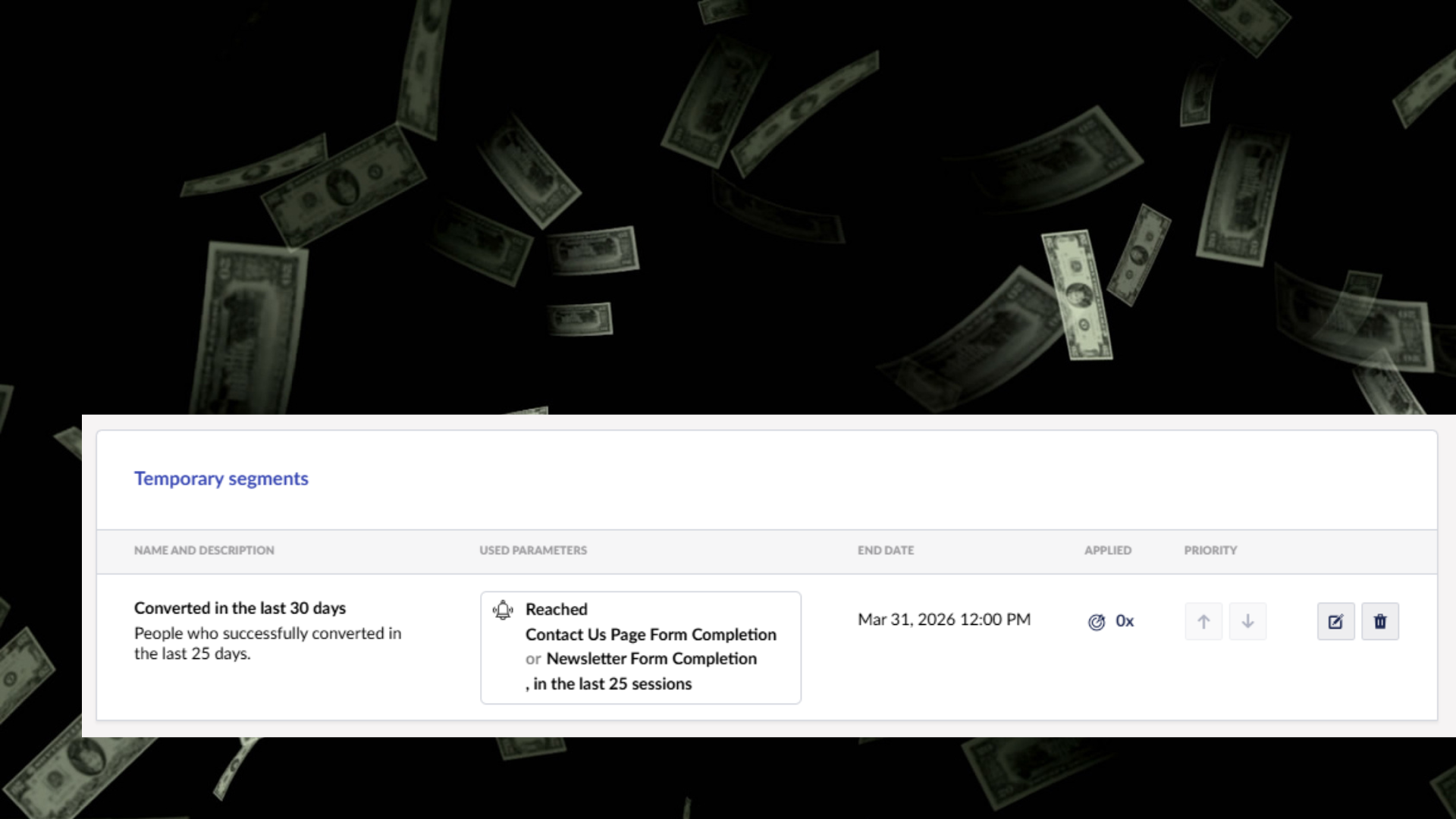
Solution: Use Engage to set up a temporary segment for users who completed a purchase within the last X number of days. Then personalise their experience with thank-you messages, invites to participate in loyalty schemes, relevant accessory suggestions for their recent purchase or onboarding and next step content for how to use their purchase if necessary.

Result: You provide a tailored post-purchase experience that boosts satisfaction, reduces buyer’s remorse, and increases long-term engagement.

Note

The Engage power up: you can deliver full lifecycle personalisation, not just pre-purchase.

12. Returning Non-Converters

Problem: High-intent visitors often browse deeply, leave without converting, and return later, but your site doesn’t treat them any differently and they’re still not converting.

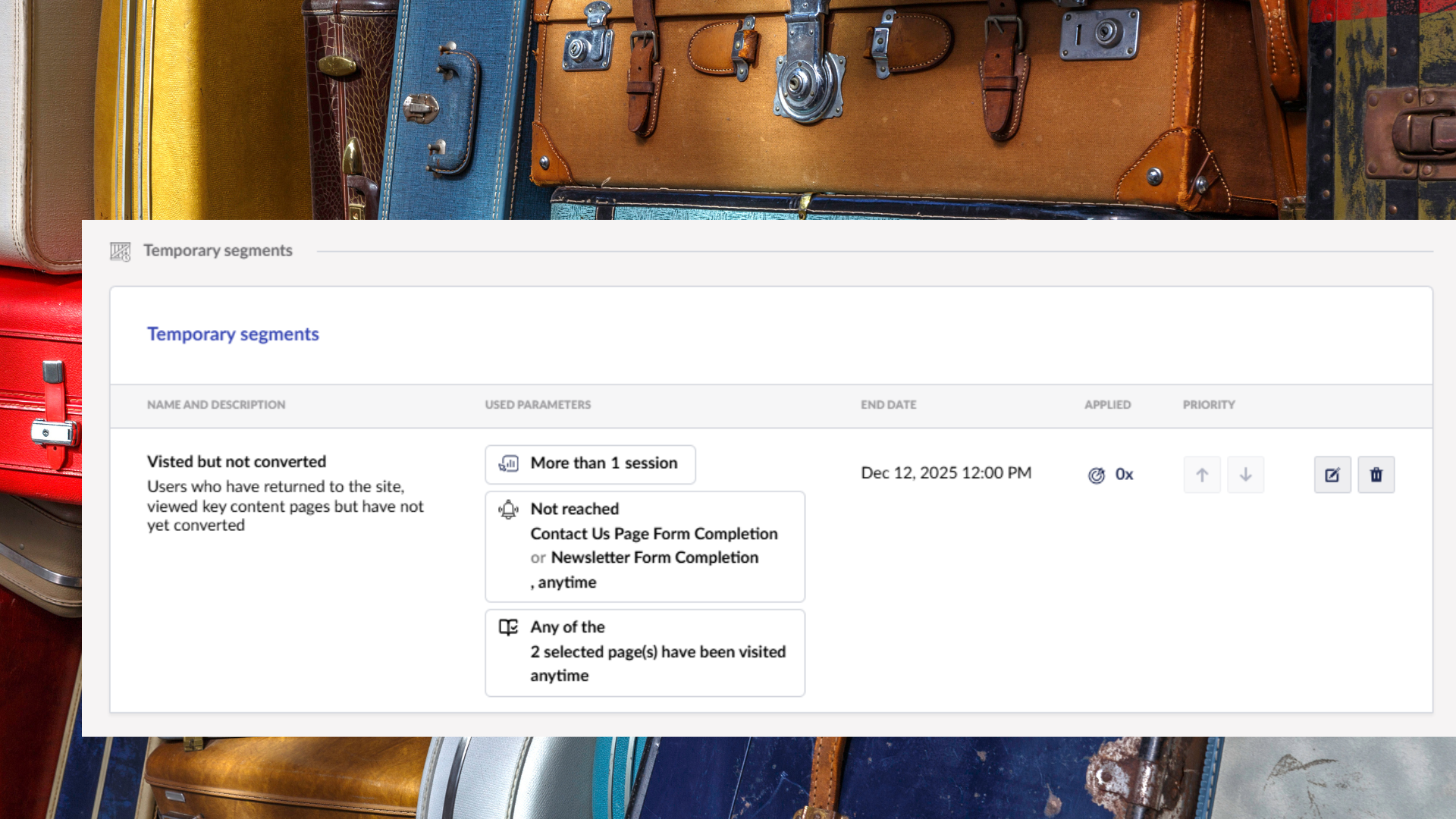
Solution: Create a temporary segment in Engage based on users who viewed high-value pages (pricing, product detail, booking steps) but didn’t convert, then returned within a defined timeframe. Personalise reassurance messaging, reviews, FAQs, or limited-time incentives to address likely objections.

Result: You guide returning visitors over the finish line by acknowledging their previous interest and reducing friction.

Note

The Engage power up: use behavioural signals to support “second-chance” conversions automatically.

13. Review Follow-up

Problem: Customers who convert and review your business rarely get acknowledged on their next visit. You’re missing an easy chance to strengthen your brand affinity.

Solution: Create a temporary segment triggered when a user submits a review (captured through an Engage event). On their next visit, personalise your site with a thank-you message, loyalty invitations, referral prompts, or relevant follow-up content.

Result: You deepen goodwill and turn reviewers into repeat buyers or advocates through personalised recognition.

Note

The Engage power up: respond instantly and meaningfully to individual user actions.

Temporary segments in Umbraco Engage allow marketers to be reactive, proactive, and highly relevant.

Whether it’s seasonal campaigns, urgent operational updates, regional events, or post-purchase follow-ups, temporary segments can:

  • Override general segments temporarily
  • Target visitors based on UTM parameters, behaviour, persona, location and more.
  • Expire automatically when no longer relevant
  • Enable you to personalise components, banners, CTAs and other content
  • Support event-driven triggers and lifecycle marketing


Start small: pick one campaign or event, create a temporary segment, and watch your engagement and conversions improve, all without disrupting your permanent segment structure or your evergreen content.